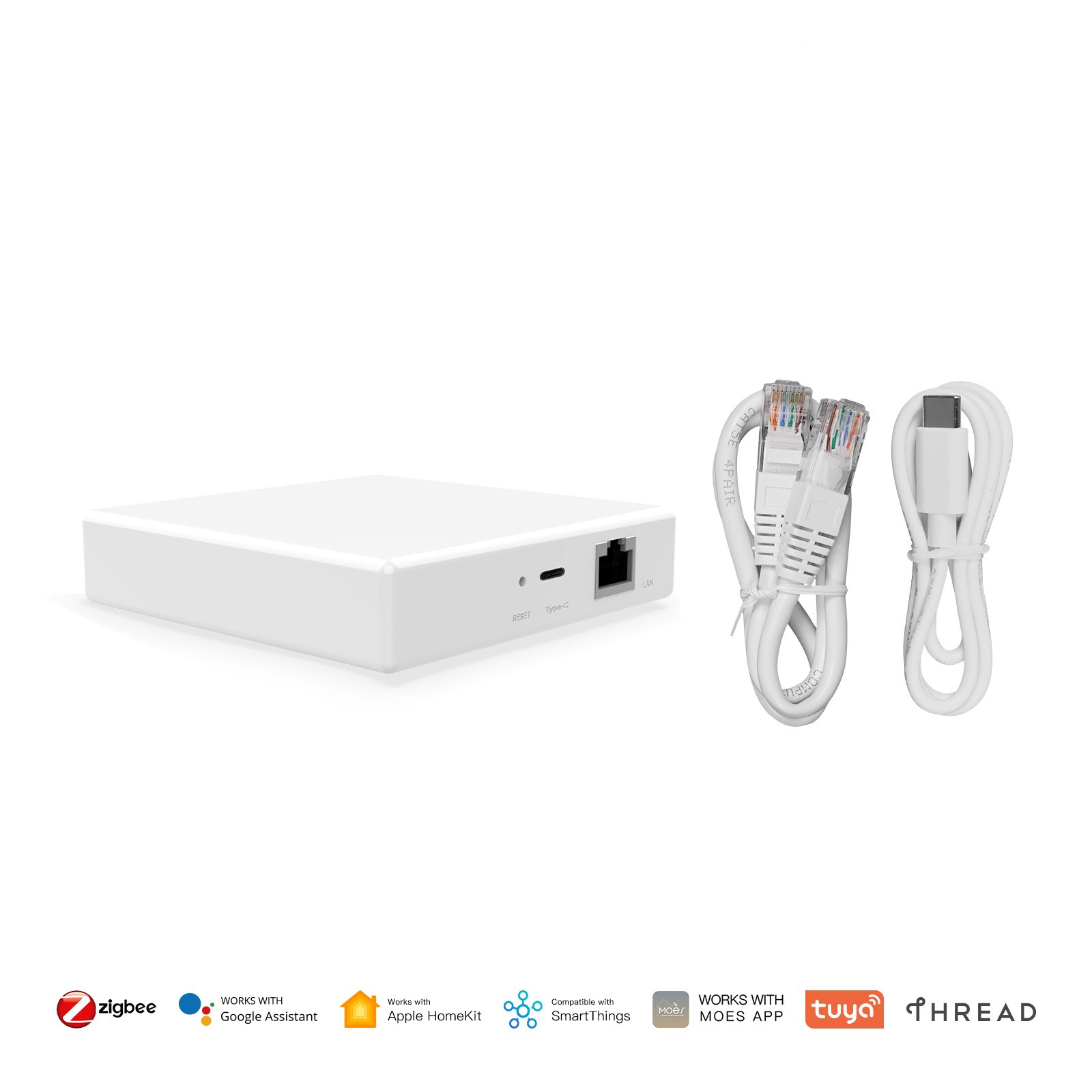
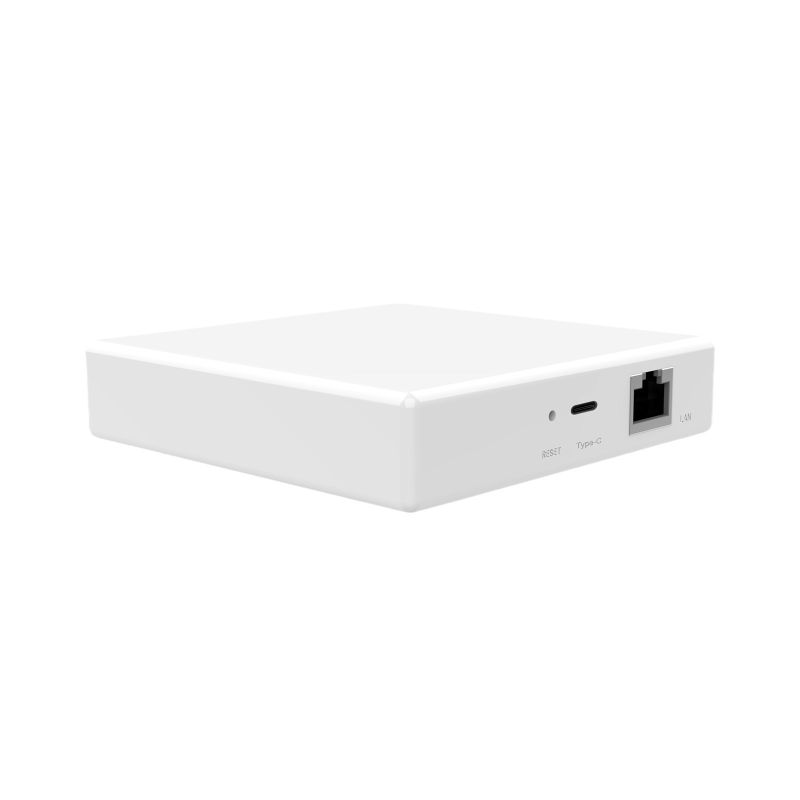
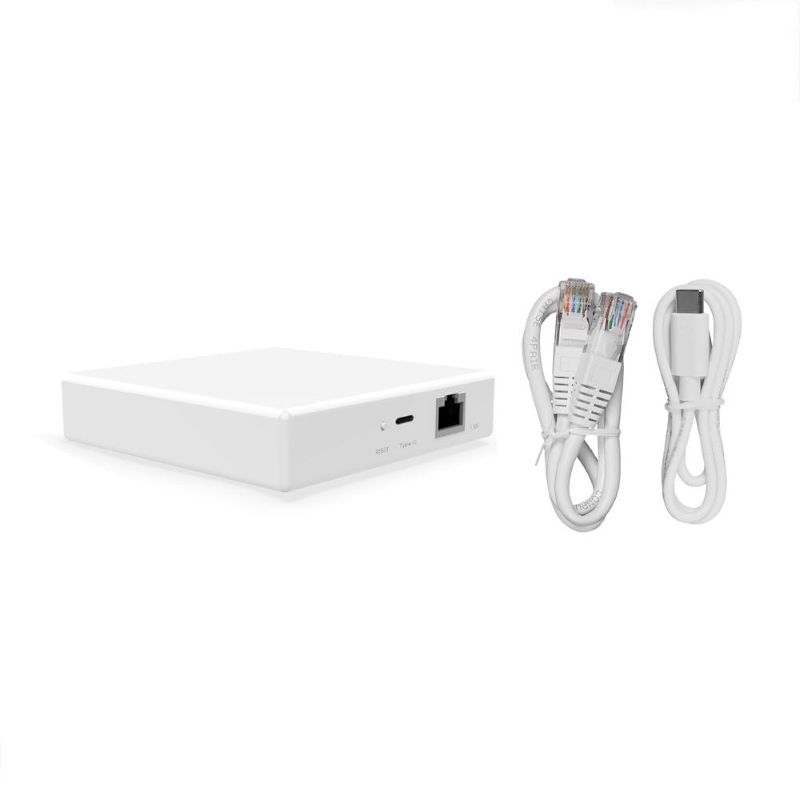
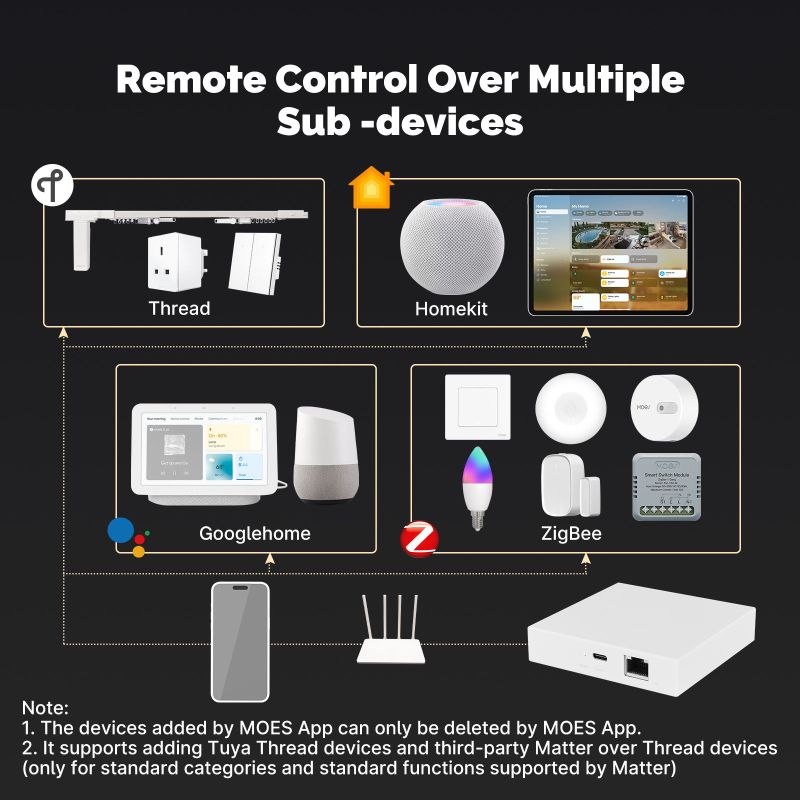
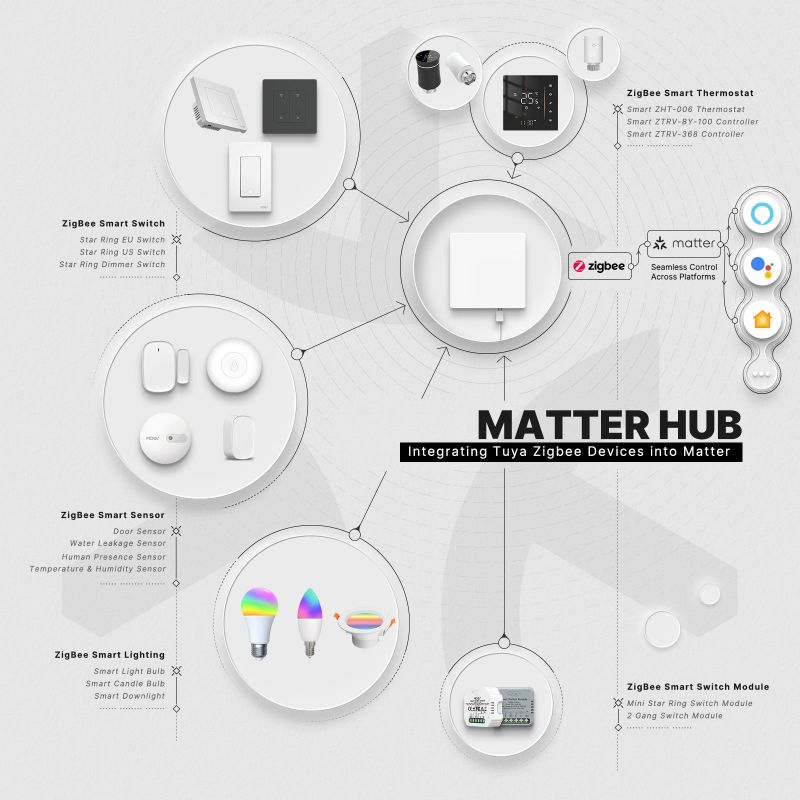
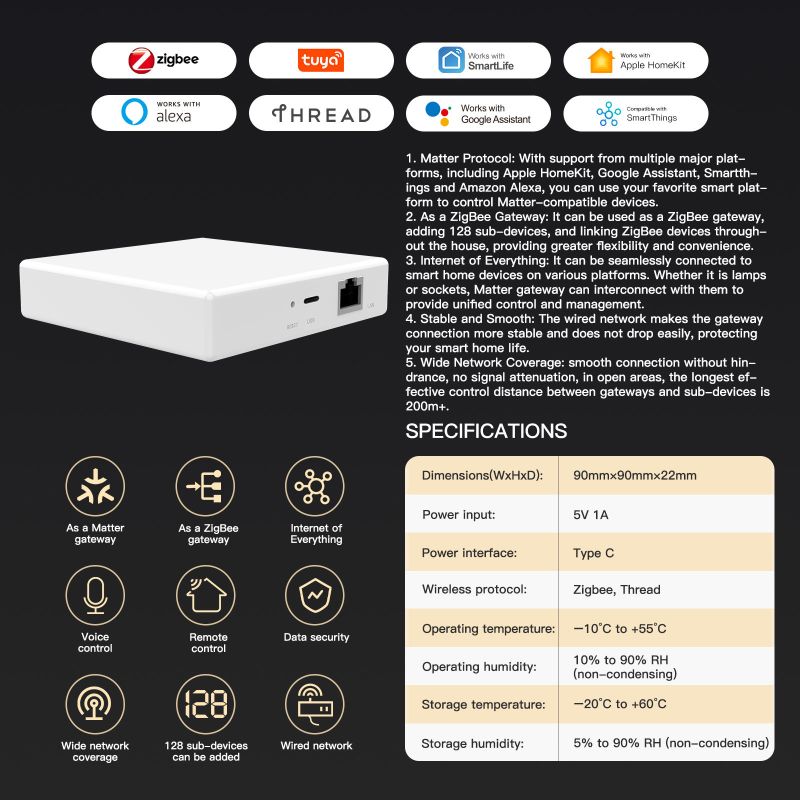
The Matter Smart Gateway is a universal home gateway that bridges Matter, Zigbee and Thread ecosystems while providing Wi-Fi and wired Ethernet connectivity. It enables local and cloud control through a companion app, voice assistants, and remote access — designed for reliable, secure smart home integration.
✨ Key Features and Benefits
- Native Matter support for cross-brand interoperability
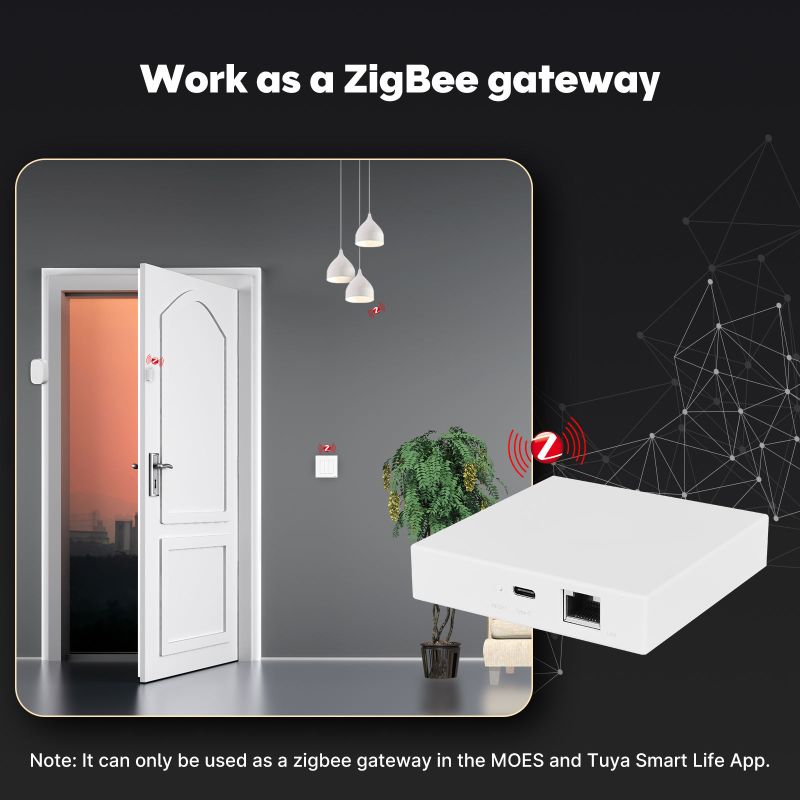
- Zigbee coordinator to connect legacy Zigbee devices
- Thread Border Router for low-power Thread devices
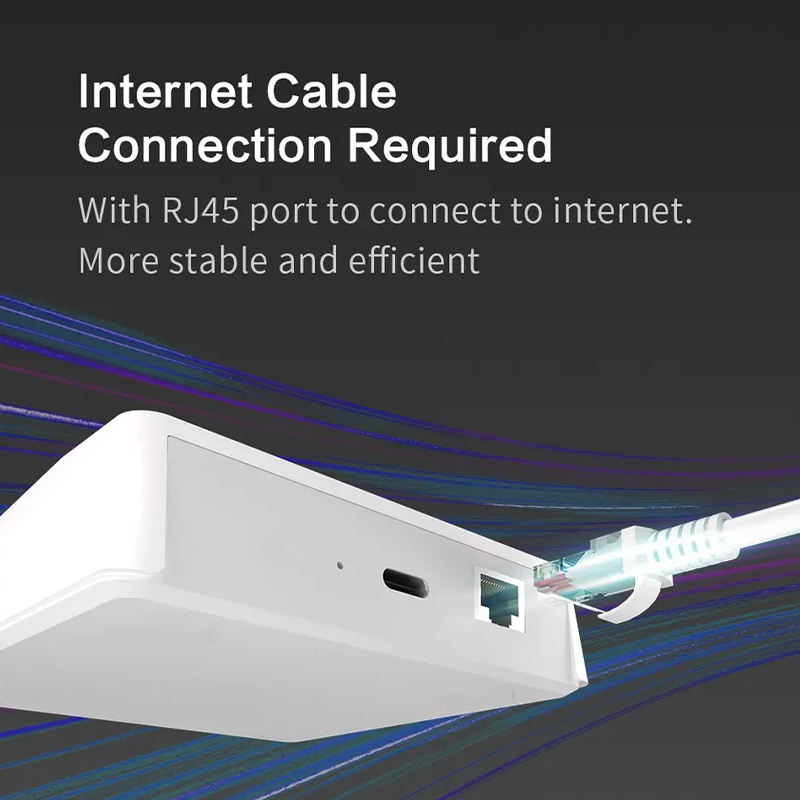
- Wi-Fi (2.4/5 GHz) and wired Ethernet for stable connectivity
- App remote control with scheduling, scenes and automations
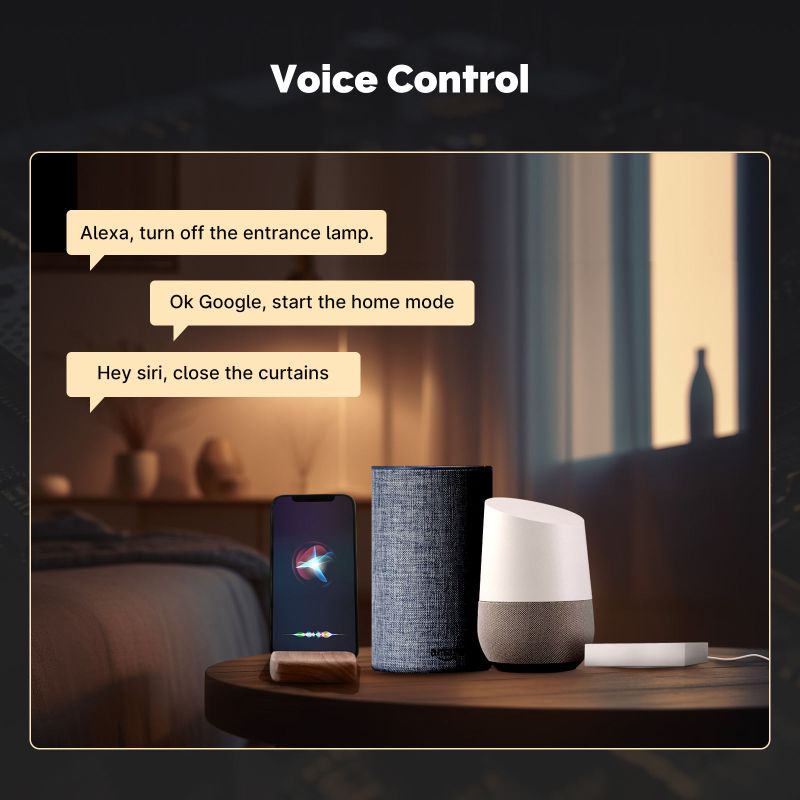
- Works with major voice assistants (configurable)
- Secure local control and optional cloud services
- Over-the-air firmware updates to keep features current
🔧 Material and Construction Details
| Component | Material | Description |
|---|---|---|
| Enclosure | ABS Plastic | Ventilated, heat-resistant casing |
| PCB & SoC | FR4 PCB | Integrated Matter-certified system on chip |
| Antennas | Internal / External | Dual-band Wi-Fi, Zigbee & Thread antennas |
| Ports | Metal Contacts | Ethernet (RJ45), USB-C power |
📚 Use Cases and Applications
- Unified control hub for Matter, Zigbee and Thread devices
- Smart lighting, locks, sensors and climate automations
- Reliable remote access and status monitoring via app
- Edge automation for local scenes and routines
- Integration point for voice assistants and third-party services
🔍 Technical Specifications
| Specification | Details |
|---|---|
| Protocols Supported | Matter, Zigbee 3.0, Thread, Wi-Fi (802.11 a/b/g/n/ac), Bluetooth Low Energy |
| Connectivity | Ethernet (10/100/1000), Wi-Fi dual-band, BLE |
| Power | USB-C 5V/2A (or optional 12V adapter) |
| CPU / Memory | Multi-core SoC with secure enclave, 512MB+ RAM (model dependent) |
| Dimensions | Approx. 110mm × 90mm × 28mm |
| Weight | Approx. 180g |
| Antennas | Internal dual antennas (Zigbee/Thread + Wi-Fi) |
| OTA Updates | Yes — firmware and security patches |
| App | iOS & Android app with cloud and local modes |
🧼 Care & Maintenance
Keep the gateway in a well-ventilated area. Wipe the enclosure with a dry cloth. Ensure firmware updates are applied regularly. Use a surge protector for wired installations.
⚠ Safety Information
Install away from water and heat sources. Use the supplied power adapter. Do not open the enclosure — servicing should be performed by qualified personnel. Disconnect power before cleaning.
👍👎 Pros & Cons
| Pros | Cons |
|---|---|
| Bridges multiple smart home ecosystems (Matter/Zigbee/Thread) | Advanced features may require app setup and firmware updates |
| Wired + wireless connectivity options for reliability | Some legacy devices may need firmware or reconfiguration |
| Local control option for privacy and faster automations | Initial pairing can be complex for non-technical users |
| OTA updates and strong security focus | Hardware capabilities vary by model |
🅿 Product Images: