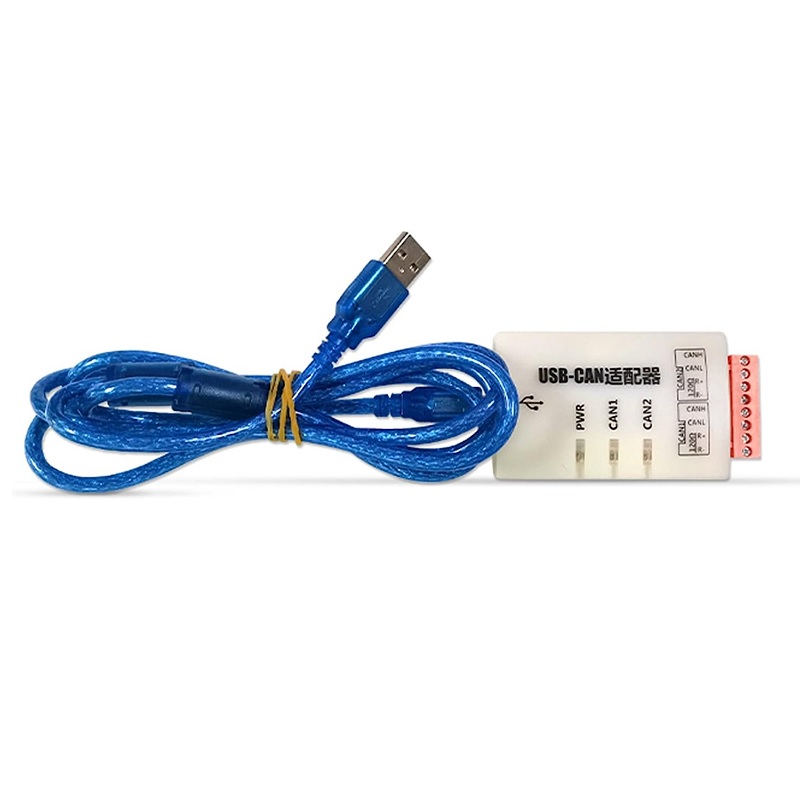
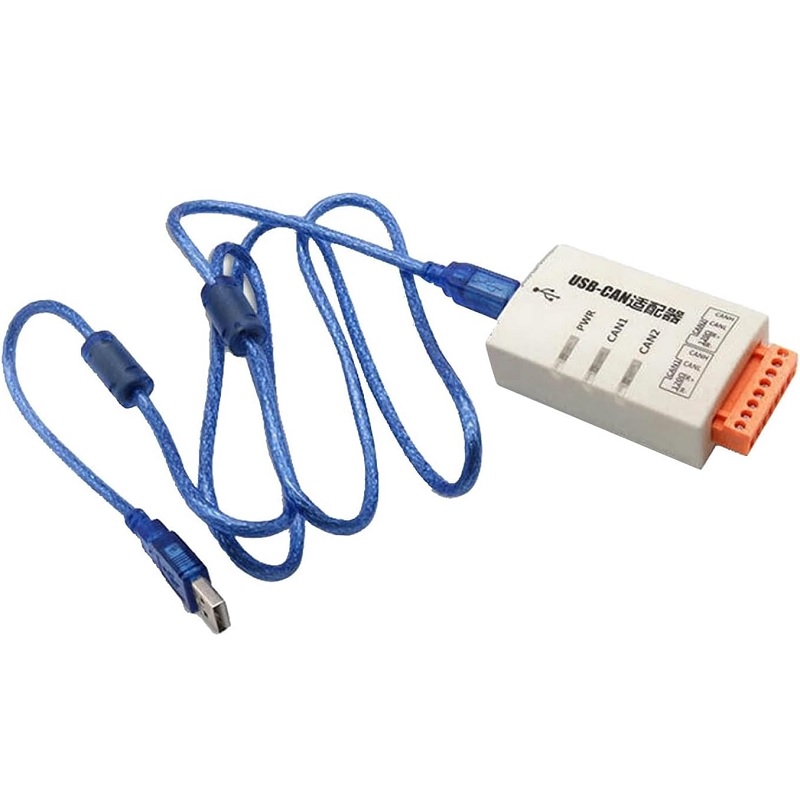
The Daly USB-CAN module is a compact USB-to-CAN adapter designed for easy connection between a PC and CAN bus networks. Featuring a USB interface for power and data, a reliable CAN transceiver, and user-friendly drivers/utility support, this module is commonly used for diagnostics, data logging, development, and testing of automotive and industrial CAN systems.
✨ Key Features and Benefits
- USB to CAN interface for easy PC connectivity
- Supports standard CAN 2.0A / 2.0B networks
- Baud rates up to 1 Mbps (configurable)
- Compact, bus-powered design via USB (no external power required)
- Commonly includes DB9 and screw terminal options for CAN wiring
- Wide OS driver support and vendor utilities for monitoring and configuration
- Onboard protection (ESD/TVS) for CAN lines
- LED indicators for power and CAN activity
🔧 Material and Construction Details
| Component | Material | Description |
|---|---|---|
| PCB | FR4 | Compact single/double-layer USB-CAN PCB |
| USB Connector | Metal/Plated | USB Type-C or Type-A depending on variant |
| CAN Transceiver | Industrial-grade IC | High-speed CAN transceiver with protection |
| Connectors | DB9 / Screw terminal | Flexible wiring options for different setups |
| Protection | TVS diodes / ferrite | Transient and ESD protection on CAN lines |
📚 Use Cases and Applications
- Automotive diagnostics, ECU flashing & monitoring
- CAN data logging and analysis on PC
- Industrial automation debugging and testing
- Development and prototyping of CAN devices
- Integration with CAN software tools for visualization
- Field service and troubleshooting of CAN networks
🔍 Technical Specifications
| Specification | Details |
|---|---|
| Interface | USB (Type-C or Type-A depending on SKU) to CAN |
| CAN Protocol | CAN 2.0A / 2.0B |
| Max Baud Rate | 1 Mbps |
| Power | Bus-powered from USB (5V) |
| CAN Connector | DB9 and/or Screw terminal options |
| Protection | ESD/TVS protection and transceiver surge protection |
| LED Indicators | Power, TX/RX activity |
| Operating Temp | -20°C to +70°C (typical) |
| Drivers / Software | Vendor drivers & utilities; supports common CAN PC tools |
| Compatibility | Windows / Linux (driver availability dependent) |
🧼 Care Information
Keep the module dry and free from dust. Avoid pulling on the USB cable—use the connector. Store in an anti-static bag when not in use. Ensure secure CAN cable connections and avoid excessive bending of wiring near terminals.
⚠ Safety Information
Verify CAN_H and CAN_L wiring before connecting to active networks. Use proper termination (120Ω) at network ends. Do not connect the module to unknown or high-voltage lines. Disconnect USB before changing wiring. Observe ESD precautions when handling.
👍👎 Pros & Cons
| Pros | Cons |
|---|---|
| Plug-and-play PC connectivity for CAN networks | Driver support may vary by OS/version |
| Bus-powered — no external supply needed | Limited to classic CAN (no CAN FD) |
| Compact and portable for field use | Single CAN channel on most variants |
| Common connectors (DB9 / screw terminal) | May require vendor utility for advanced config |
| Useful for diagnostics, logging, and development | Industrial robustness depends on SKU/version |
🅿 Product Images: